The best media player ever made is FINALLY available on the TouchPad!
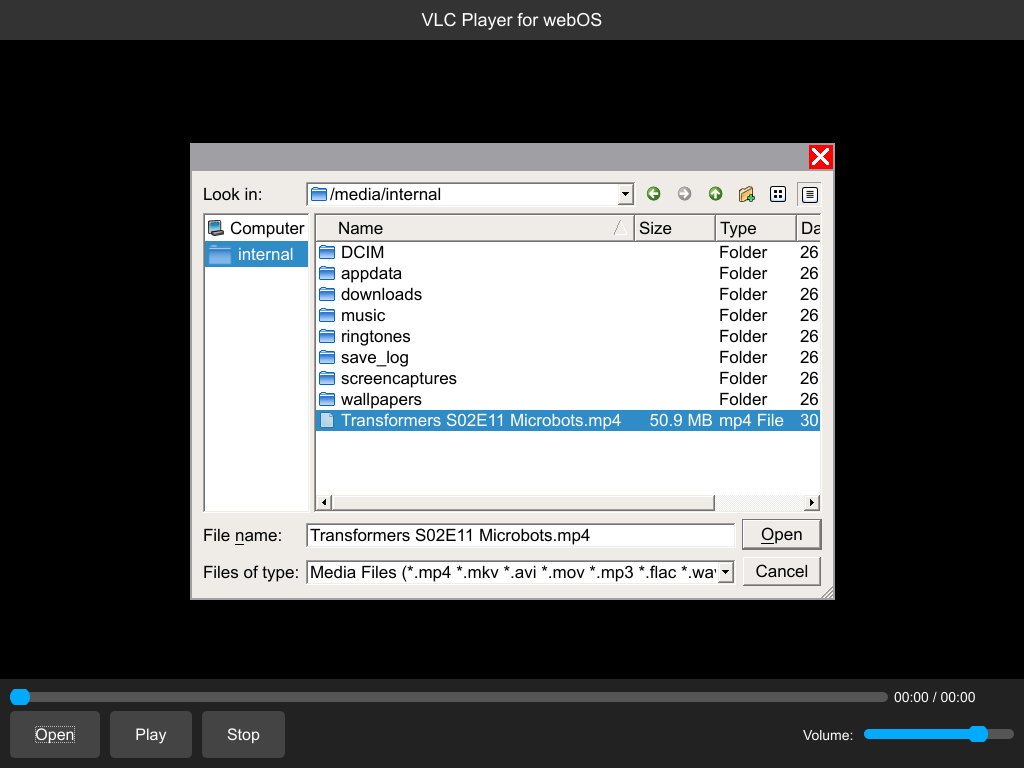
Don't get too excited, many compromises were made to pull this off. Thankfully, two existing codebases helped get the ball rolling. Another effort already got VLC working with QT, and nizovn had built QT for the TouchPad in 2018. Claude and I brute-forced our way through the effort to put the two together.
From a video rendering perspective, the TouchPad is a strange beast. You'll see flickering when switching between playback and any sort of UI -- the third page of graphics composition is a weird fit for QT, even with nizovn's help. The little GPU was also mostly useless in video decoding, forcing software decoding across-the-board.
While it was possible to fall-back to the native rendering code built-in to webOS, doing so wouldn't expand the video playback capabilities in any way, so I decided to code around. If the video is natively supported, you're better off using the built-in video player. If not, VLC will TRY to open almost anything -- but because its software-decoded, it will never get much above 20FPS. Videos up to 720p will be downsampled to a much lower resolution so the CPU can keep up. HD video is just not going to happen.
However, the package includes one other little innovation (that you probably shouldn't use): ffmpeg for TouchPad!
If you give VLC a HD video, it will offer to encode a new, lower resolution file for you that the TouchPad CAN play. Encoding time is roughly 7 or 8 times slower than real-time playback, so a 90 minute movie will take 9-11 hours -- a progress bar will slowly update to show you how its going. Still, for short clips, the time may be acceptable. Then again, maybe you should watch HD videos somewhere else!
If you've got a library of MKV or DivX content in 480p, for the first time ever, you can watch it on your TouchPad. It won't be butter-smooth, and it won't be high quality, but it WILL play. Of course the source remains OSS, so if you think you can coax better out of the TouchPad, I'd love to see it!
For obvious reasons, I won't be trying this experiment on any of the webOS Phones! If you want to try this out, make sure you have nizovn's complete QT5 packages installed and working -- the easiest way to do that is to get QupZilla working first. You can read about how to do that on the webOS Archive Docs pages.
If you're sure you're all set, download VLC Player from the App Museum!
